Inline Image
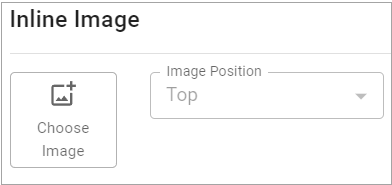
Inline images allows an image to be added where it helps with explaining or completing the Question. The image can be placed at the Top (Before) or Bottom (After) of the Question detail.

|
Do not include images that are more than 1 MB in size because the larger the image, the larger the Checklist Template size, so it will take longer to download. More images increase the size of the checklist. |
You can add images from the Media Collection or from your computer, and add user-created tags associated with the image to make it easily searchable.