Production report
In Client, the Production tab provides a view of the scheduled product material (volume or mass) by period.
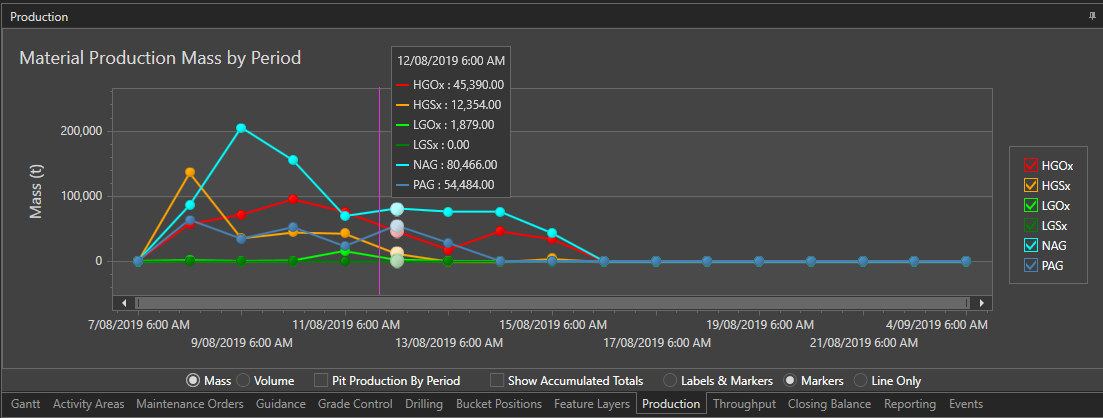
You can view production per period for each material or for each Pit by checking the Pit Production By Period check box. Any changes to the schedule will update the production chart. To filter chart data, toggle the legend check boxes on the right.
Adjust the zoom level by dragging the ends of the X-axis scroll bar, or scrolling with your mouse wheel.