Trucks |

|

|
|
Trucks |
|
|
Trucks |
|
|
|
Trucks |
|
|
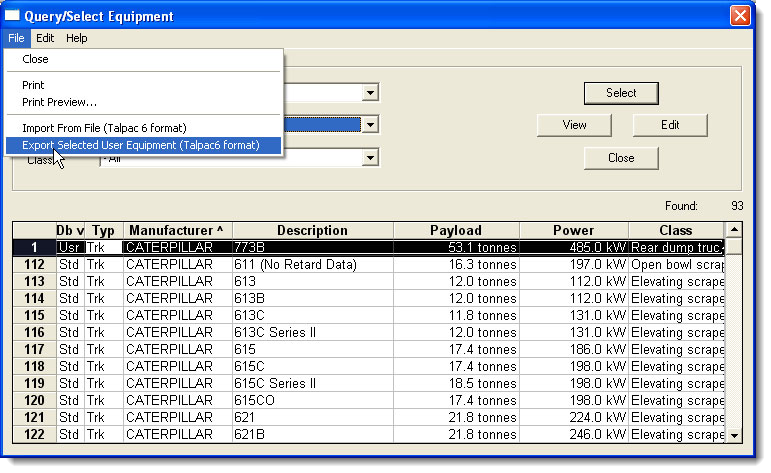
To Export a Talpac 8 Truck file:
| 1. | Select View >Equipment Database. |
| 2. | Select the truck that you want to use. |
| 3. | Right-click the truck and select Copy Equipment. (or select Edit > Copy Equipment) to copy it to the user database. |
| 4. | Click OK in the following window that appears. (Otherwise, you can edit the parameters of the file.) |
| 5. | Select the copied file that is selected and in the user database. |
| 6. | Select the File > Export Selected Equipment: |